Billing & balance
Send Chain charges a 0.5% fee on completed payments — but not by taking a cut out of the payment itself. Every payment settles to your wallet in full; the fee is instead debited from a separate prepaid balance you top up ahead of time.
Why it works this way
Section titled “Why it works this way”Because payments never pass through Send Chain, there’s nothing to deduct a fee from at settlement time. Keeping a small prepaid balance is what lets you accept 100%-to-you payments while Send Chain still collects its fee — similar to how a phone/SMS provider charges for usage rather than holding your customers’ money.
New accounts start with a $5.00 promotional credit so you can try accepting payments before topping up.
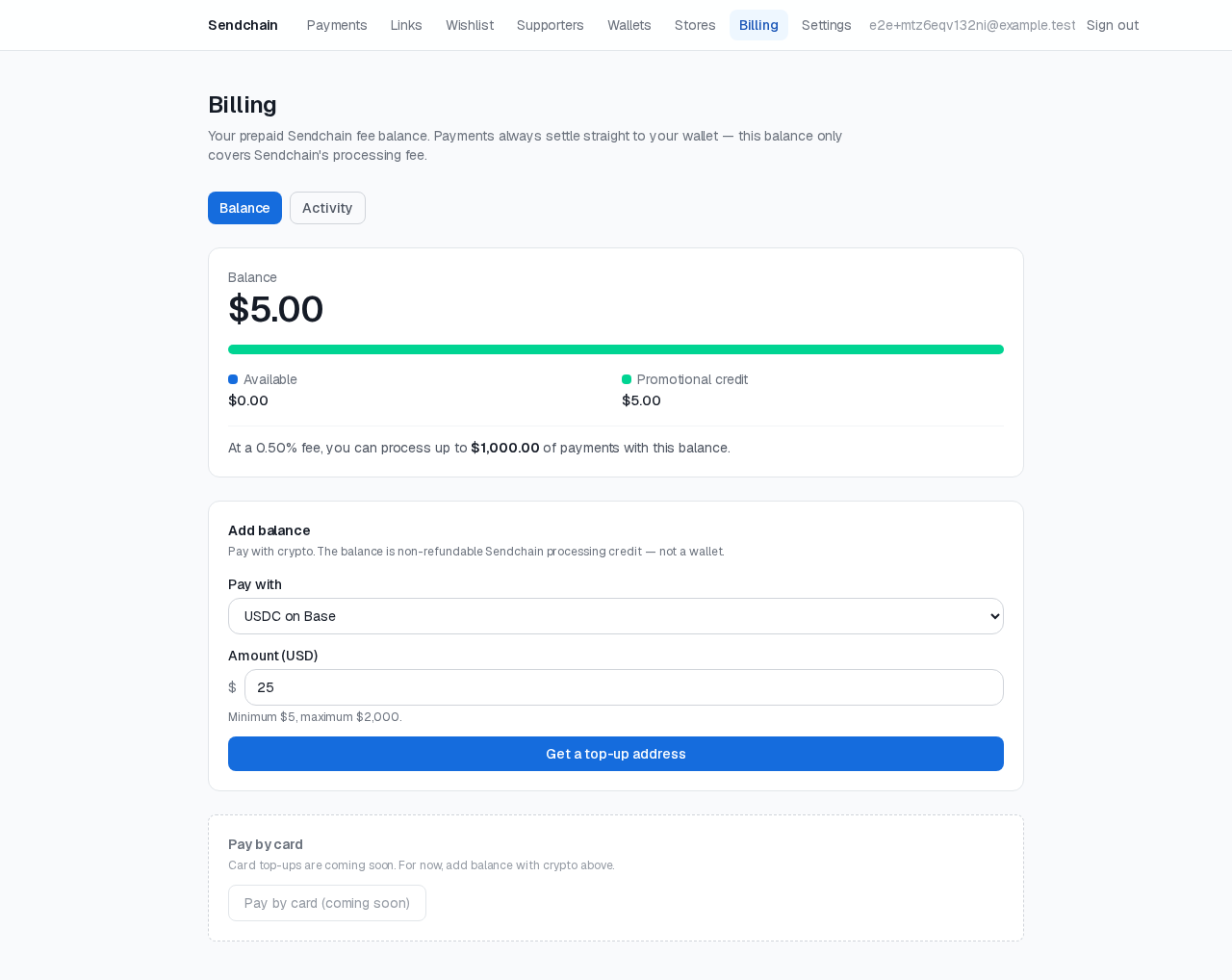
Topping up
Section titled “Topping up”From your dashboard’s Billing page, you can top up your balance with
crypto, sent to a Send Chain-owned address generated for that purpose (this
is the only address Send Chain ever controls — never one that holds
payment funds). Once your top-up transaction confirms, your balance updates
and you’ll get a billing.topup_credited
notification if you have webhooks set up.
The balance gate
Section titled “The balance gate”Your balance determines how much you can process: the Billing page shows “process up to $X” based on your current balance and the 0.5% rate. If your balance reaches $0, new payment links and wishlist items can’t be created and new payments can’t start — existing ones already in progress are unaffected. Topping back up lifts this immediately, with no other action needed.
Reviewing your balance history
Section titled “Reviewing your balance history”The Billing page’s ledger lists every credit and debit — promotional credit, top-ups, and per-payment fee charges — and can be exported as a CSV at any time.