Dashboard
A short tour of where things live, for anyone who’s just signed up.
Payments
Section titled “Payments”Every payment you’ve received, across every link, wishlist item, and store — with its status, amount, and which asset/chain it settled on. This is also where you’d look up a payment’s id to match it against a webhook or a status check.
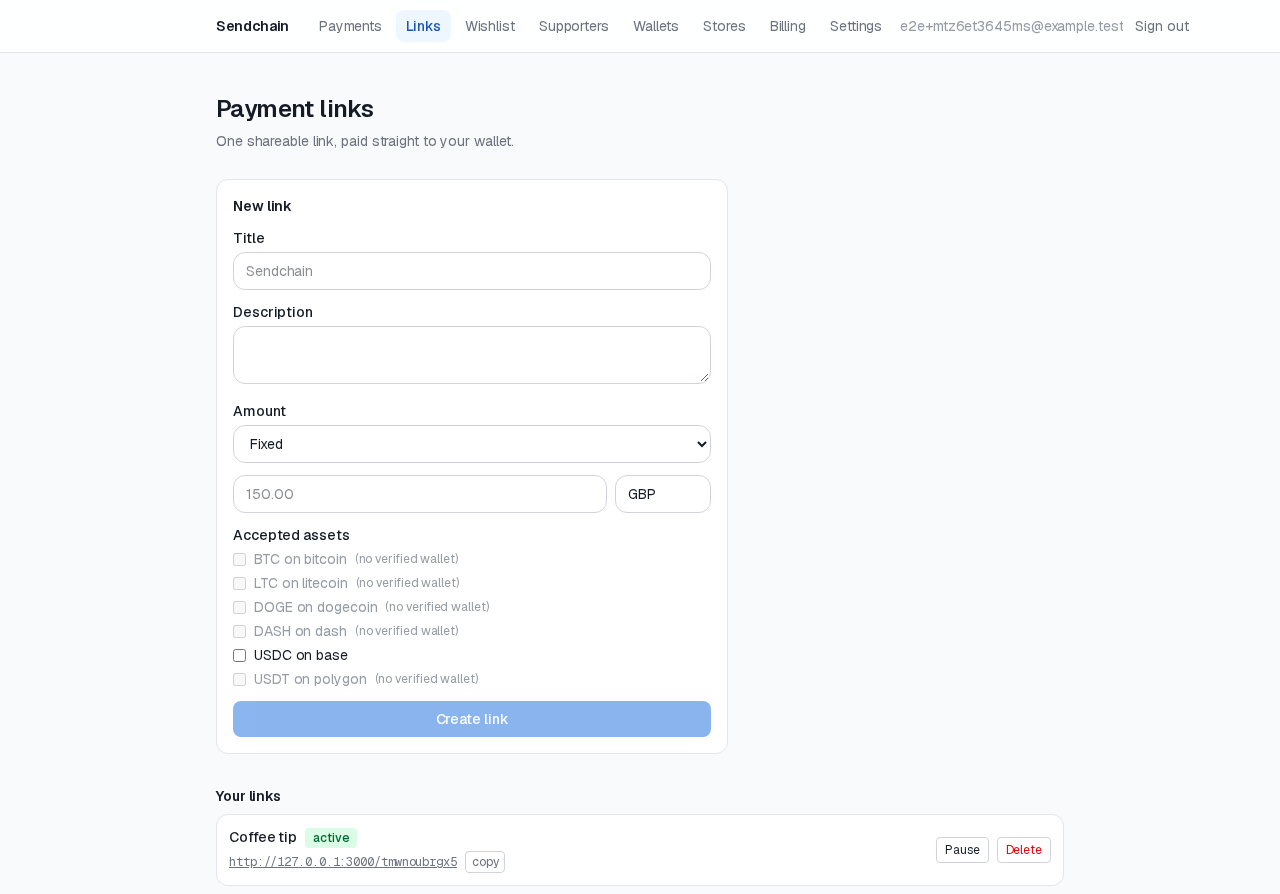
Links & Wishlist
Section titled “Links & Wishlist”Where you create and manage payment links and wishlist items — pause, resume, edit, or archive any of them here.
Wallets
Section titled “Wallets”Where you connect and verify the wallets your links and wishlist items pay out to. See Wallets for the full walkthrough.
Billing
Section titled “Billing”Your prepaid balance, top-up options, and fee history. See Billing & balance.
Settings → Webhooks
Section titled “Settings → Webhooks”Register endpoints, choose which event types they receive, view delivery logs, and rotate signing secrets. Pairs with the Webhooks reference if you’re integrating programmatically.
Settings → Stores
Section titled “Settings → Stores”If you’re accepting payments from your own website or storefront rather than sharing links directly, this is where you create a store and issue the Store API credentials used throughout the API Reference.