Wallets
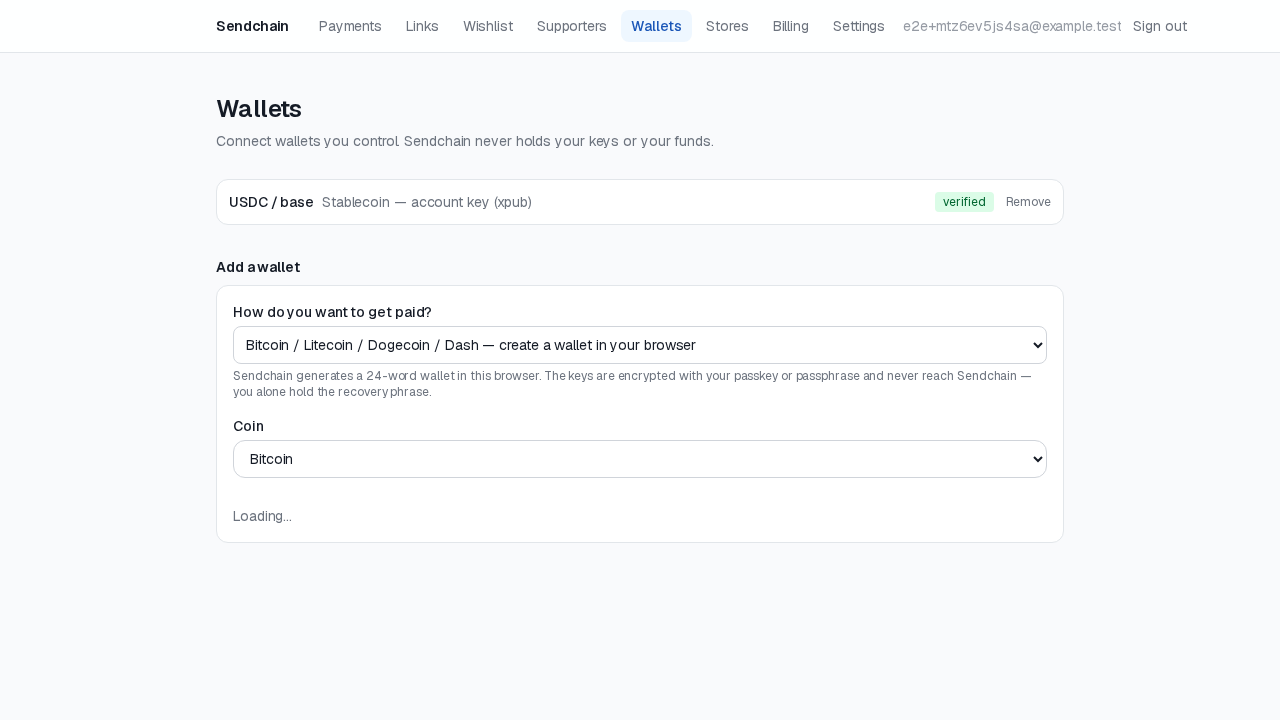
Every payment link and wishlist item pays out to a wallet you control — Send Chain is never able to hold or move your funds. Before you can accept a given cryptocurrency, you need to connect and verify a wallet for it.
Supported assets and chains
Section titled “Supported assets and chains”Bitcoin (and Bitcoin-family chains — Litecoin, Dogecoin, Dash) and EVM stablecoins (USDC/USDT on Base and Polygon) are supported. Each wallet you add is scoped to one asset/chain combination.
Two ways to connect a wallet
Section titled “Two ways to connect a wallet”- A single address. Paste in one receiving address you control. Simple, but every payment for that asset goes to the same address — Send Chain adjusts each payment’s exact amount by a tiny, deterministic fraction so concurrent payments stay distinguishable from each other.
- An extended public key (xpub). Paste in your wallet’s account-level xpub instead of one address, and Send Chain derives a fresh address for every payment automatically — the more private and scalable option, and the one most wallet apps can export directly from their settings.
Verifying ownership
Section titled “Verifying ownership”Connecting a wallet isn’t enough on its own — you have to prove you control it before it can receive payments. You’ll be asked to sign a one-time challenge message with that wallet (using your wallet app or browser extension). Send Chain checks the signature against the address or xpub you provided; a link or wishlist item can never go live against an unverified wallet.
Your private keys never touch Send Chain at any point in this process — only the signed proof and your public address/xpub are ever submitted.
Removing a wallet
Section titled “Removing a wallet”You can remove a verified wallet at any time from the Wallets page. Doing so only affects future payments — it never touches funds already sent to that address, since Send Chain never held them to begin with.